

Wi-Fi vs non-Wi-Fi frames
Two ways to run a frame, and what each asks of you.
Disclosure: We may earn a commission if you buy through links on this page. It does not change what we recommend. Affiliate Disclosure
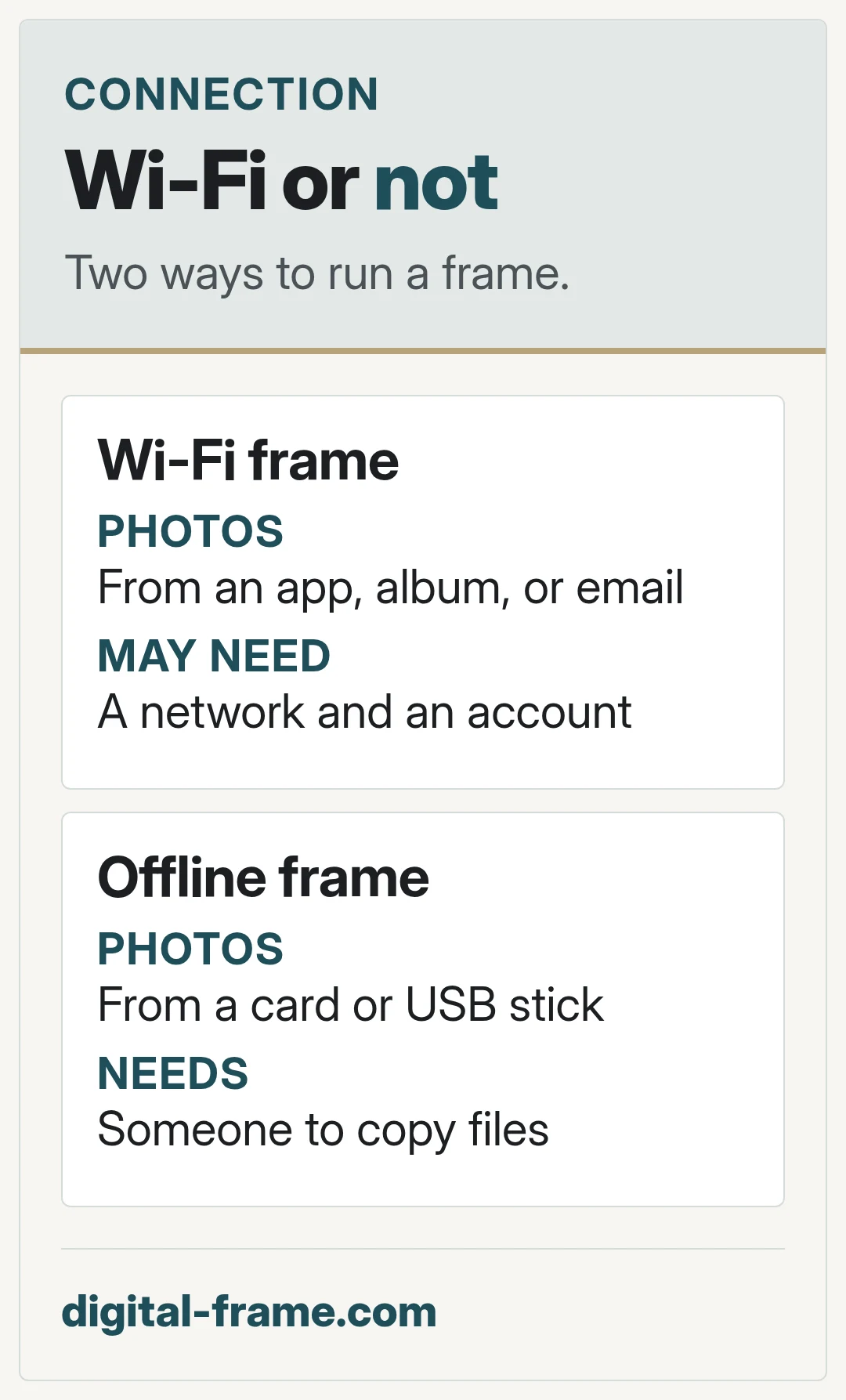
Wi-Fi frames
Photos arrive over the network, from an app, a shared album, or email, depending on the frame. Family can add photos from far away. The frame needs a network, and may need an account.
Offline frames
Photos come from a memory card or USB stick. No network or account. Someone has to copy new photos by hand. Memory card and USB frames
If it goes on Wi-Fi
The FTC advises encrypting your home network with WPA3 or WPA2 and changing your router's default passwords. Securing a connected frame
Questions to ask
Does the frame need an account? Does it keep working if the network drops? What happens to photos already on it?
FAQ
General information only. Features, file types, and settings differ by frame and can change with updates. Check your frame maker's manual, app, and privacy policy.


Next: memory card and usb
Copy, insert, play.
