
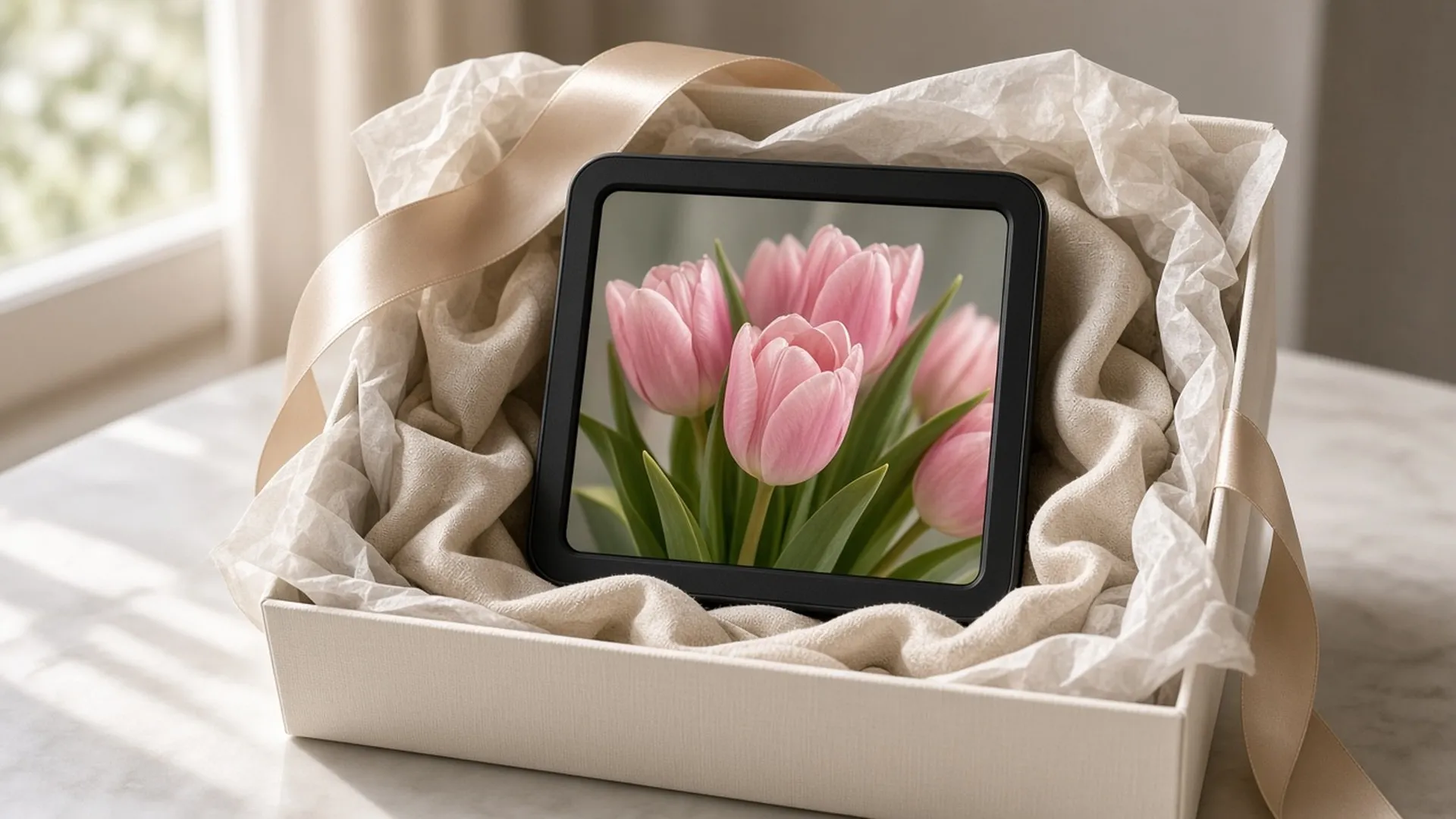
Gifting a digital frame
Set it up before you give it.
Disclosure: We may earn a commission if you buy through links on this page. It does not change what we recommend. Affiliate Disclosure
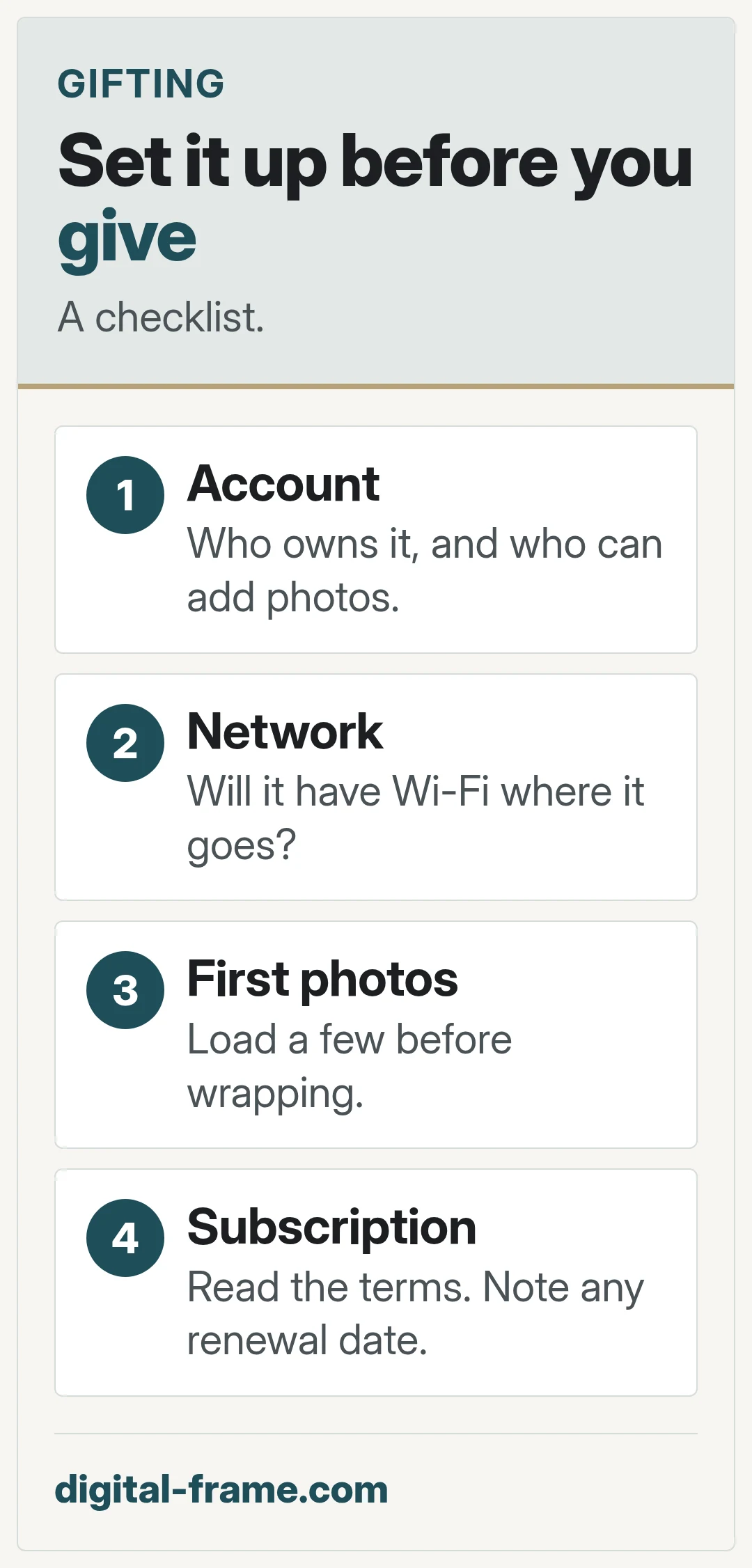
Who owns the account
If the frame needs an account, decide whose it is, and who can add or remove photos.
Where it will live
Is there Wi-Fi where it is going, and will someone there connect it? If not, an offline frame may suit better. Wi-Fi vs non-Wi-Fi frames
Load some photos first
Add a few photos before wrapping, so it shows something on day one.
Read any subscription terms
The FTC advises knowing the terms of a free trial and marking your calendar before it ends. Frame subscriptions and trials
FAQ
General information only. Features, file types, and settings differ by frame and can change with updates. Check your frame maker's manual, app, and privacy policy.

Next: wi-fi vs non-wi-fi
Two ways to run a frame.
