

Securing a connected frame
FTC steps for any internet-connected device.
Disclosure: We may earn a commission if you buy through links on this page. It does not change what we recommend. Affiliate Disclosure
Start with the router
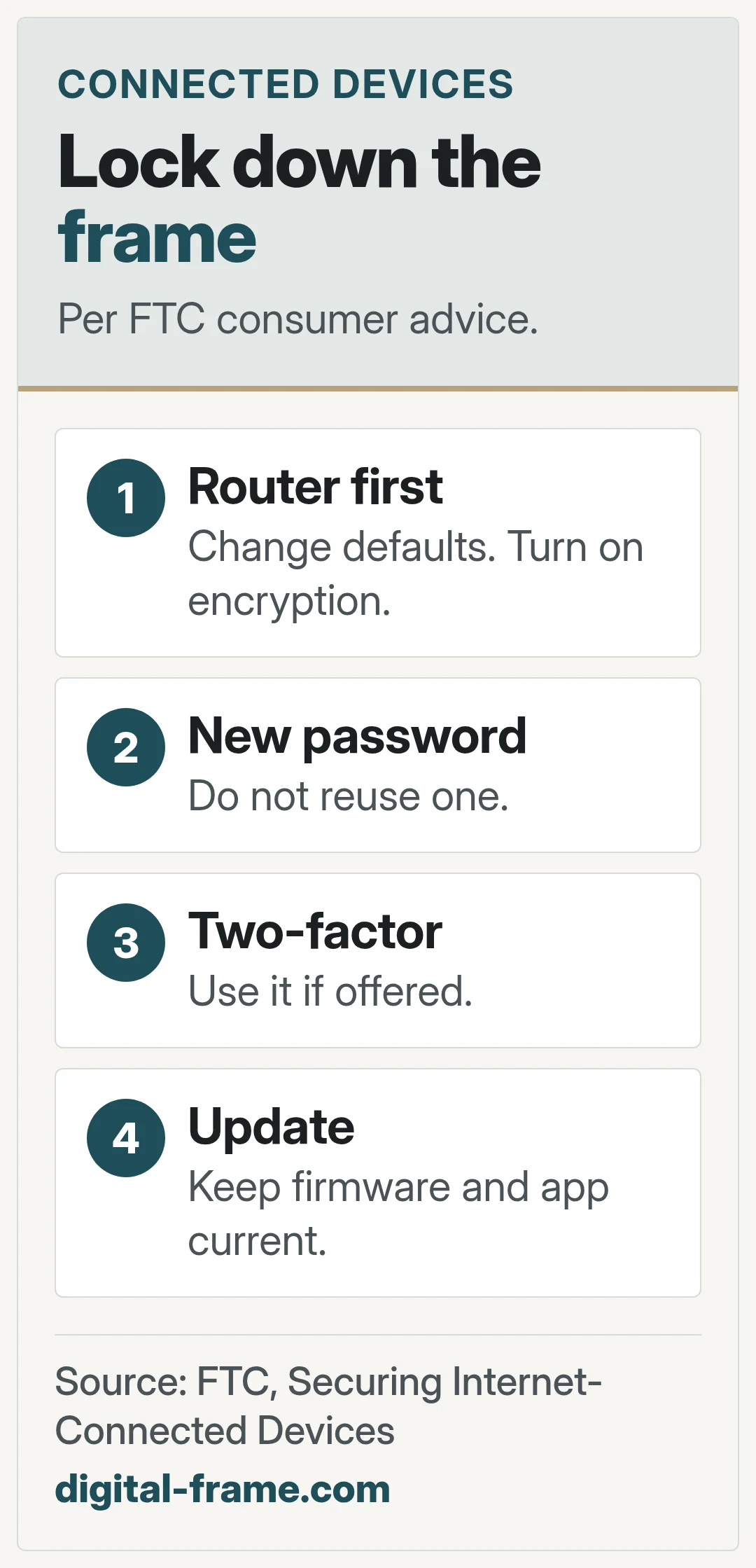
The FTC calls the router the key to privacy for connected devices. It advises changing the default admin username, password, and network name, and turning on WPA3 or WPA2 encryption.
Then the frame
The FTC advises changing any default password, not reusing passwords, using two-factor authentication if offered, and turning on the device's security features.
Keep it updated
The FTC advises checking for firmware updates and using the latest version of the device's app.
Turn off what you do not use
The FTC suggests disabling unused features and disconnecting old devices from the network.
FAQ
General information only. Features, file types, and settings differ by frame and can change with updates. Check your frame maker's manual, app, and privacy policy.



Next: apps and accounts
What to read before you sign in.
