
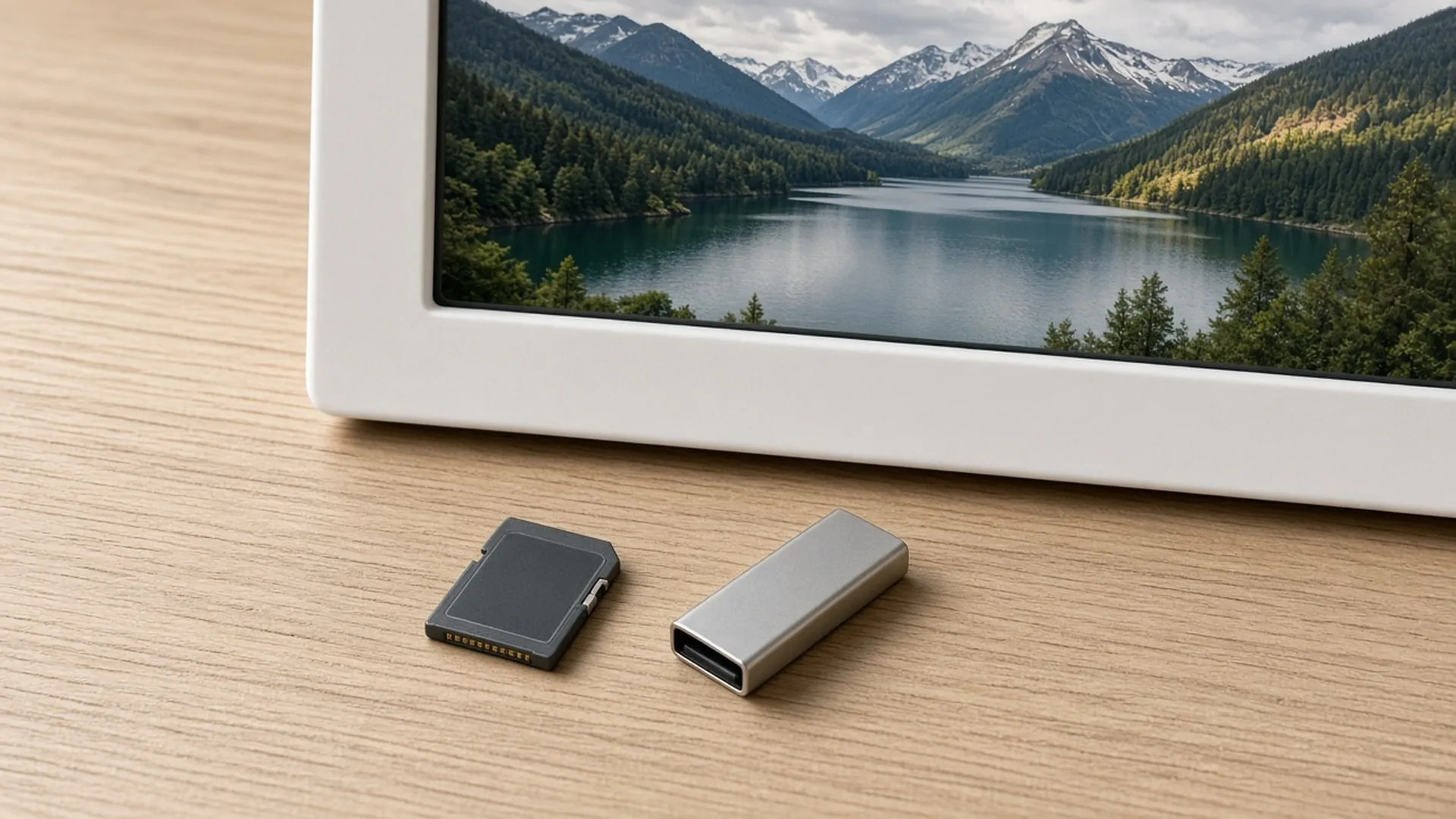
Memory card and USB frames
Loading photos without an app or account.
Disclosure: We may earn a commission if you buy through links on this page. It does not change what we recommend. Affiliate Disclosure
How it works
You copy photos onto a memory card or USB stick on a computer, then insert it into the frame. The frame reads the files from there.
What to check first
The manual tells you which card types and sizes the frame accepts, which file types it reads, and whether it copies photos into its own memory. We do not list these for any model.
File types
If your phone saves HEIC files, check that the frame can read them. HEIC and JPG photos
Shape
Photos shaped unlike the screen are cropped or get bars. Aspect ratio and cropping
FAQ
General information only. Features, file types, and settings differ by frame and can change with updates. Check your frame maker's manual, app, and privacy policy.

Next: heic and jpg
Two file types, one setting.
