
Who can see a shared album
Links, invites, and how to take an album back.
Disclosure: We may earn a commission if you buy through links on this page. It does not change what we recommend. Affiliate Disclosure
Google Photos links
Google says anyone with a shared album link can view the photos, and that a link can be shared on by others. To reset it, turn link sharing off and on again. The old link stops working.
Making it private
Google says to remove all collaborators and turn off link sharing. Comments are removed and collaborators lose access.
Apple shared albums
Apple says you can share with people you choose or with anyone who has the link, and that participants can add photos, videos, and comments.
Before a frame shows an album
Anything added to the album may show on the frame. Decide who can add, and turn off adding by others if you want only your own photos.
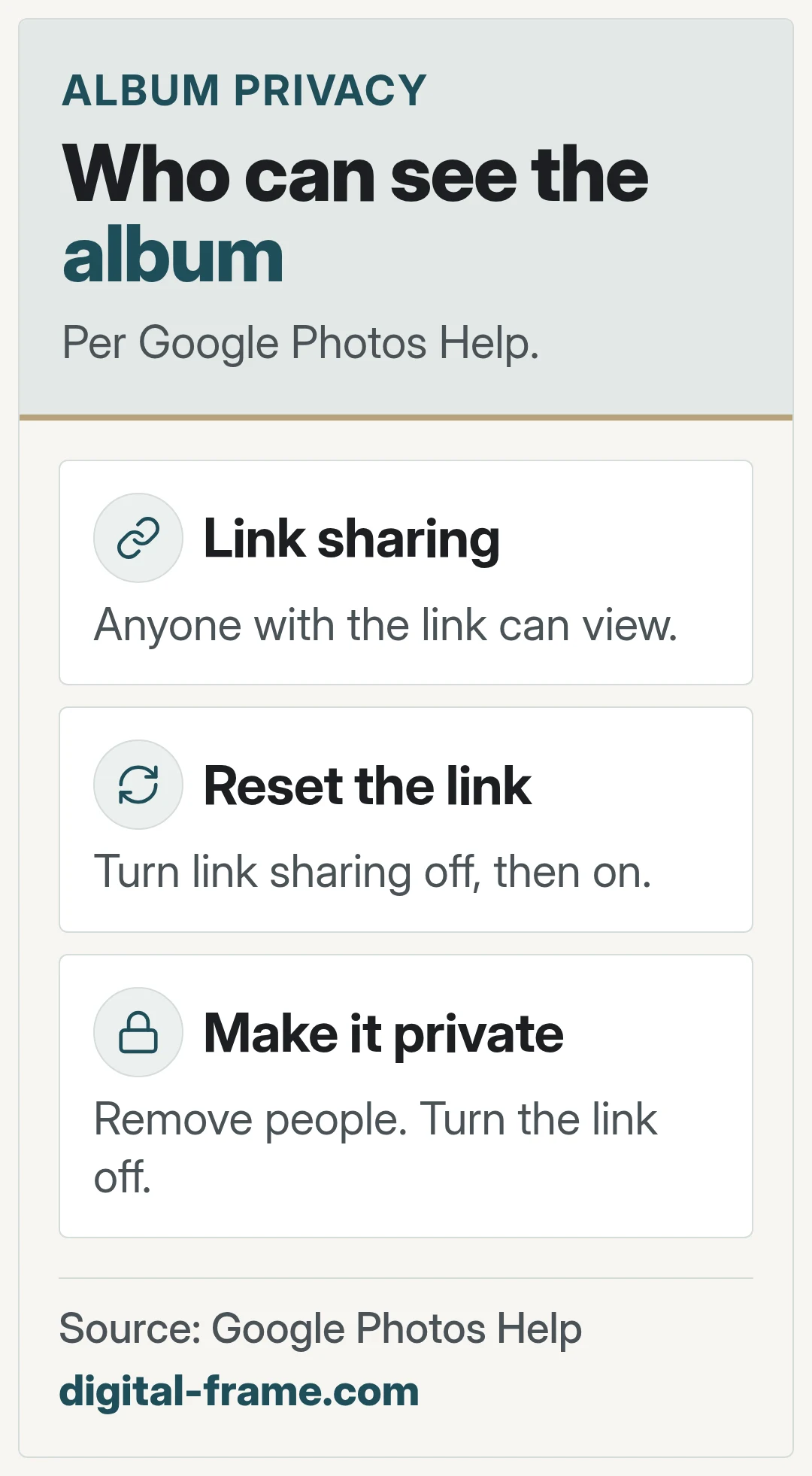
Sources: Google Photos Help, Shared album controls; Apple Support, Shared Albums in Photos. Brand names belong to their owners. We are not affiliated with or endorsed by them.
FAQ
General information only. Features, file types, and settings differ by frame and can change with updates. Check your frame maker's manual, app, and privacy policy.

Next: shared albums
Google Photos and Apple Photos.
