

HEIC and JPG photos
What HEIC is, and how to save JPEG instead on an iPhone.
Disclosure: We may earn a commission if you buy through links on this page. It does not change what we recommend. Affiliate Disclosure
What HEIC is
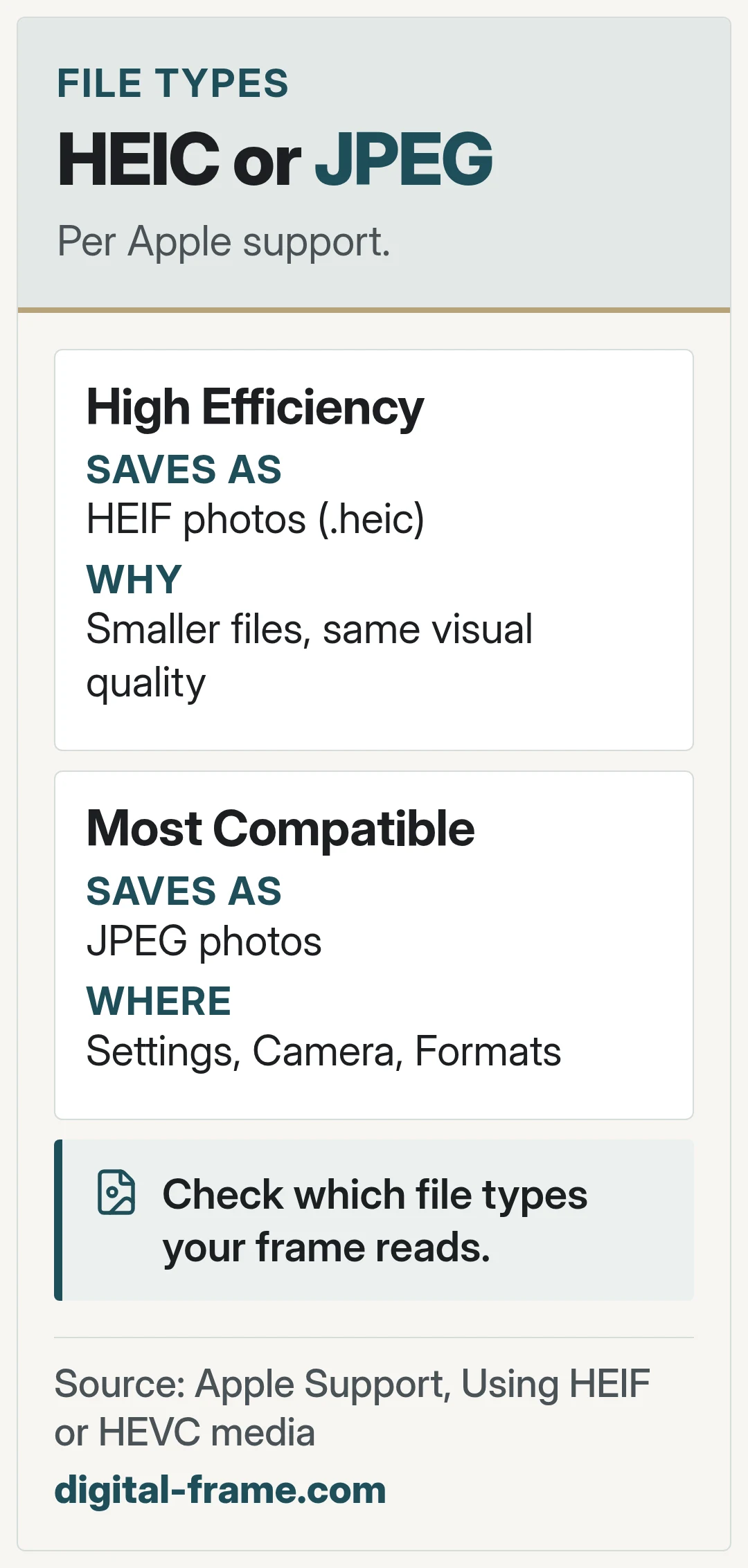
HEIC is the file extension for HEIF photos saved by iPhone and iPad. Apple says HEIF offers better compression than JPEG, so it uses less storage while keeping the same visual quality.
Saving JPEG instead
Apple says to go to Settings, tap Camera, tap Formats, then tap Most Compatible. New photos are then saved as JPEG. Choose High Efficiency to switch back.
Sharing to other devices
Apple says that when you share by other methods and the receiving device does not support the newer formats, the photo might be sent in a more compatible format, such as JPEG.
For your frame
Check which file types your frame reads before you copy photos to it.
Sources: Apple Support, Using HEIF or HEVC media. Brand names belong to their owners. We are not affiliated with or endorsed by them.
FAQ
General information only. Features, file types, and settings differ by frame and can change with updates. Check your frame maker's manual, app, and privacy policy.


Next: memory card and usb
Copy, insert, play.
